Games
Mahjong ZenFind calm. One tile at a time.
Time for a short break? Classic Mahjong Solitaire with a minimalist design inspired by marcusgoebel.com.
Play Mahjong Zen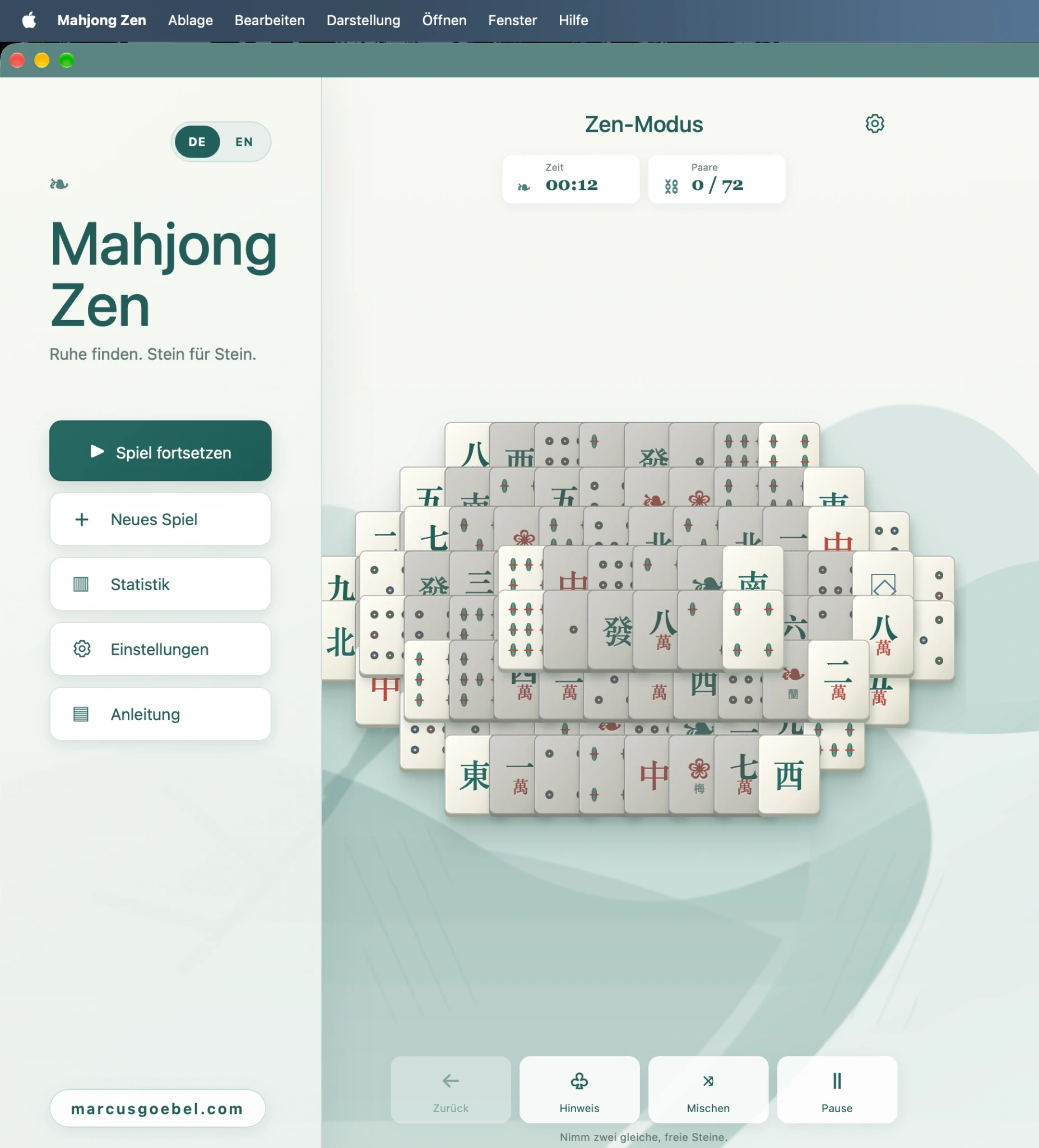
The idea
Time for a short break? That question became Mahjong Zen. I wanted to turn classic Mahjong Solitaire into a calm, easy-to-use game that keeps the focus on the tiles.
Keep it simple
There are just two choices to make before you play. Easy starts with 36 tiles, medium with 72 and hard with 144. Take your time in Zen mode or play against the clock in timed mode.
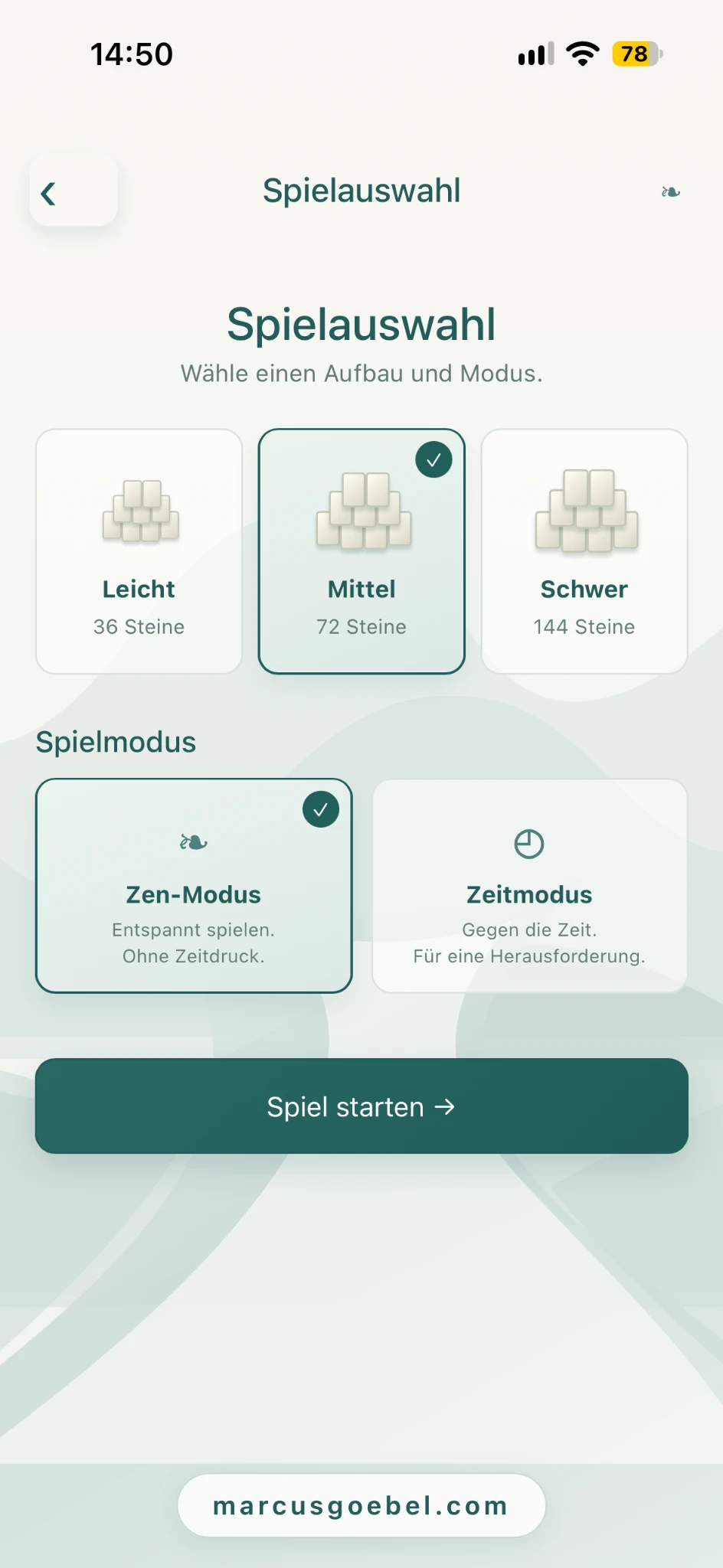
Design in the style of the website
Sage and teal connect the game to my website. Light surfaces and generous spacing give the tiles room. Stylised mountains, branches and custom tile artwork give the game a character of its own.
From mockup to web app
The early mockups helped me work out how much room the board and controls needed. My role was to define the requirements, evaluate options and try the results on desktop and smartphone. AI helped with design and implementation. Testing helped me decide what belonged in the first playable version.
How to play
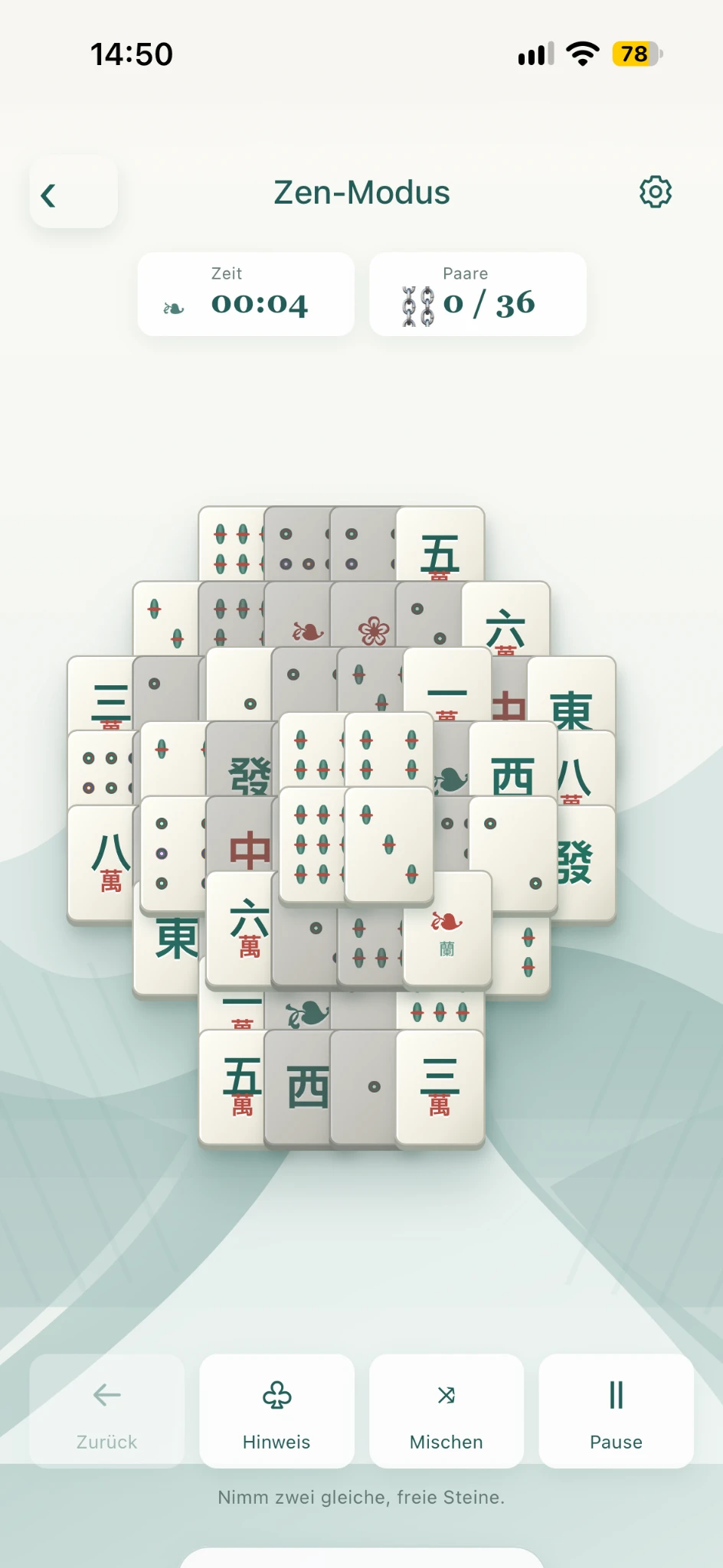
Find two matching free tiles and remove them as a pair. A tile is free when no tile lies on top of it and at least one side is accessible. Remove all tiles to win – the full instructions are available directly in Mahjong Zen.
Play on desktop or mobile
Mahjong Zen runs in the browser on desktop and smartphone and supports touch controls. On an iPhone you can add the web app to your Home Screen and play the installed version offline. The interface is available in German and English.
Try it yourself
Pick a board size and play a round in Zen or timed mode.
Play Mahjong ZenWhat I learned
The most valuable lesson for me was to test decisions in the playable app. A touchscreen raises different questions from a desktop mockup. Installation and offline play also needed to work in practice. Working with AI helped me try options quickly and keep the scope of the first version manageable.